Blinkvid guides

Practical AI video guides, tied to working tools.

No generic AI news feed. Each guide explains one creator job: what the format is, what source material works, how the Blinkvid setup behaves, and what to check before generating.

Format context

Understand what people mean by the trend name without copying another creator's footage.

Useful preparation

Choose source images and framing that fit the actual workflow before spending credits.

Honest limits

See rights, safety, pricing, and model-variation boundaries beside the steps.

Current guides

Start with the creator job in front of you.

Two-photo performance format

What Is Hotel Lobby AI?

Learn how the recognizable two-person setup works, which adult portraits are easier to use, and what the fixed six-second tool does not reproduce.

  • Two authorized adult portraits
  • Photo preparation and placement
  • Audio and likeness boundaries

One-image fixed-video edit

How to Make a Bulin 47 AI Video

See how one person, pet, animal, or character image guides a fixed six-second video edit, which parts stay anchored, and where results can vary.

  • One clear subject image
  • Fixed source action and timing
  • Three visible generation options
How to Animate a Photo With AI

Screenshot walkthrough

How to Animate a Photo With AI

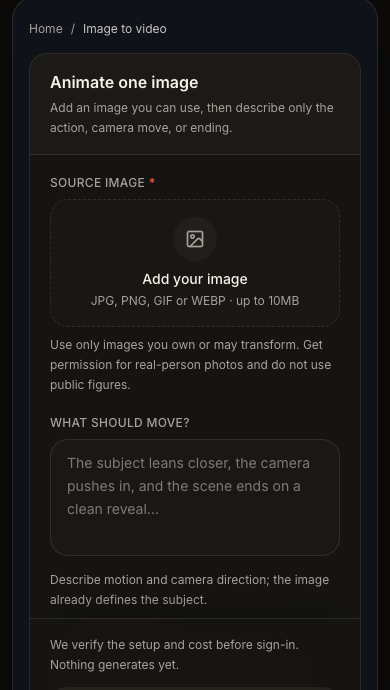
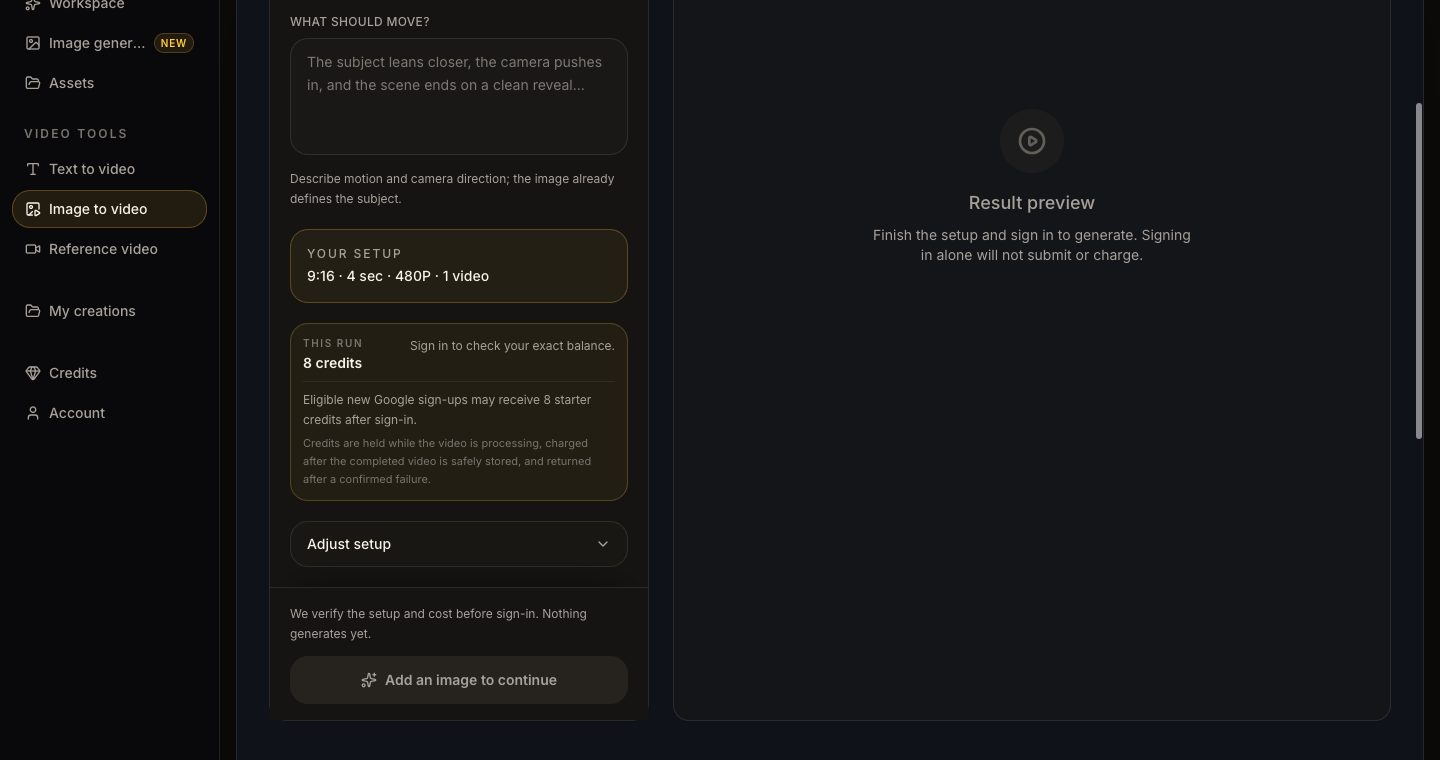
Follow the real Blinkvid image-to-video interface from source-image selection and motion direction through setup review, generation, and a controlled second version.

  • Three real product screenshots
  • Source-image and motion checklist
  • One-change iteration advice
AI Video Credits Explained

Cost and credit guide

AI Video Credits Explained

See how Blinkvid separates the visible setup, current server quote, balance, hold, charge, return, and unknown-result states before and after generation.

  • Real setup and quote screenshots
  • Hold, charge, and return lifecycle
  • Exact starter-credit boundary

What belongs in the Blinkvid guide library

A guide is published only when it supports a real tool or reviewed workflow and adds useful context beyond the tool page. Blinkvid does not publish daily AI news, generic future-of-AI essays, copied trend summaries, or articles created only to increase page count.

  • One distinct creator question and one canonical article.
  • Visible links to the relevant working tool and reviewed format hub.
  • Original explanation of inputs, steps, limitations, rights, and current product behavior.
  • Article and breadcrumb structured data that match the visible page.

Want to choose by the video you want to make?

Browse the reviewed format library to compare visible examples, inputs, fixed setups, and tool links.

Browse trending video formats
AI Video Guides: Workflows, Formats & Credits | Blinkvid