Watch the idea
See the main action and overall look before choosing a photo.
Video ideas
Check the source, setup, and current credit cost before you start. Owned or authorized images support ordinary nonsexual animation subject to safety checks; AI Kiss uses its own fixed synthetic source.
See the main action and overall look before choosing a photo.
The page shows the input, video length, shape, quality choices, and current cost.
Simple photo tips help the subject stay clear when the scene starts moving.
Easy starting points
AI Dance accepts an eligible external image, while AI Kiss starts from Blinkvid's fixed synthetic source.
Single-image dance video
Turn one pet, statue, or clearly stylized original character into a short dance scene.
Input: one owned or authorized image
Setup: 6 seconds · 9:16 · 768p · generated audio included
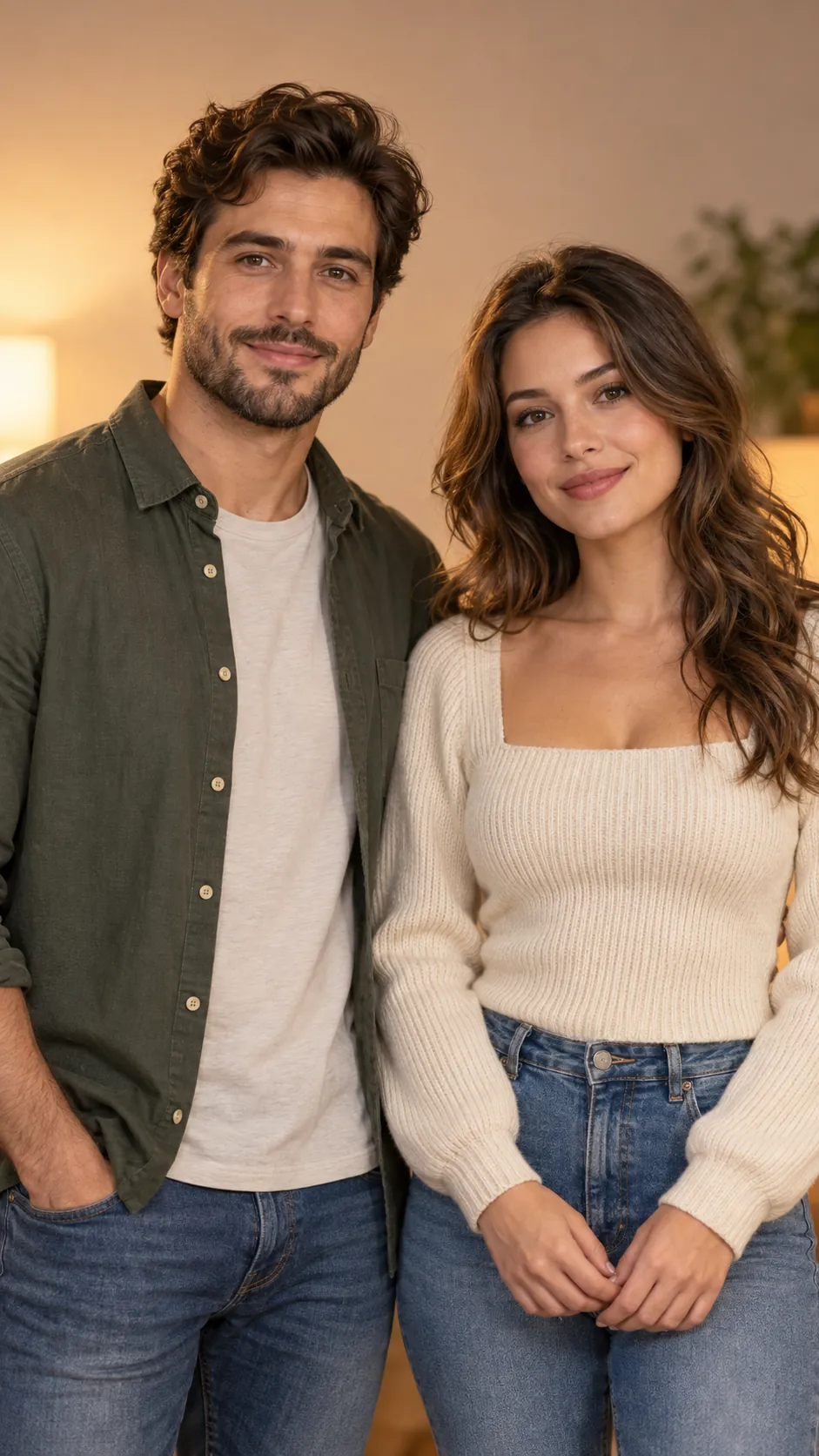
Fixed synthetic couple · six-second video
Create a short, gentle romantic scene from Blinkvid's server-locked synthetic adult pair.
Input: one fixed, hash-locked synthetic source
Setup: 6 seconds · 9:16 · 768p · generated audio included
Recently added
These formats are ordered by the date they were added to Blinkvid, with the newest first.
One cat photo · six-second reaction
Turn one cat photo into a deadpan clapping reaction with generated clap sounds.
Input: one clear seated cat photo
Setup: 6 seconds · 9:16 · 768p · generated audio included
One image · 15-second ramp stunt
Put an eligible non-human or stylized subject into a 15-second ramp stunt, then check the current cost before generating.
Input: one owned or authorized image
Setup: 15 seconds · adaptive 3:4 · silent
One image · six-second performance
Turn one pet, animal, or clearly stylized fictional character into the main performer in a six-second vertical video.
Input: one owned or authorized image
Setup: 6 seconds · 9:16 · silent
Use the reference-guided video tool with a owned or authorized image and direct a different scene.
Open reference-guided video Blinkvid