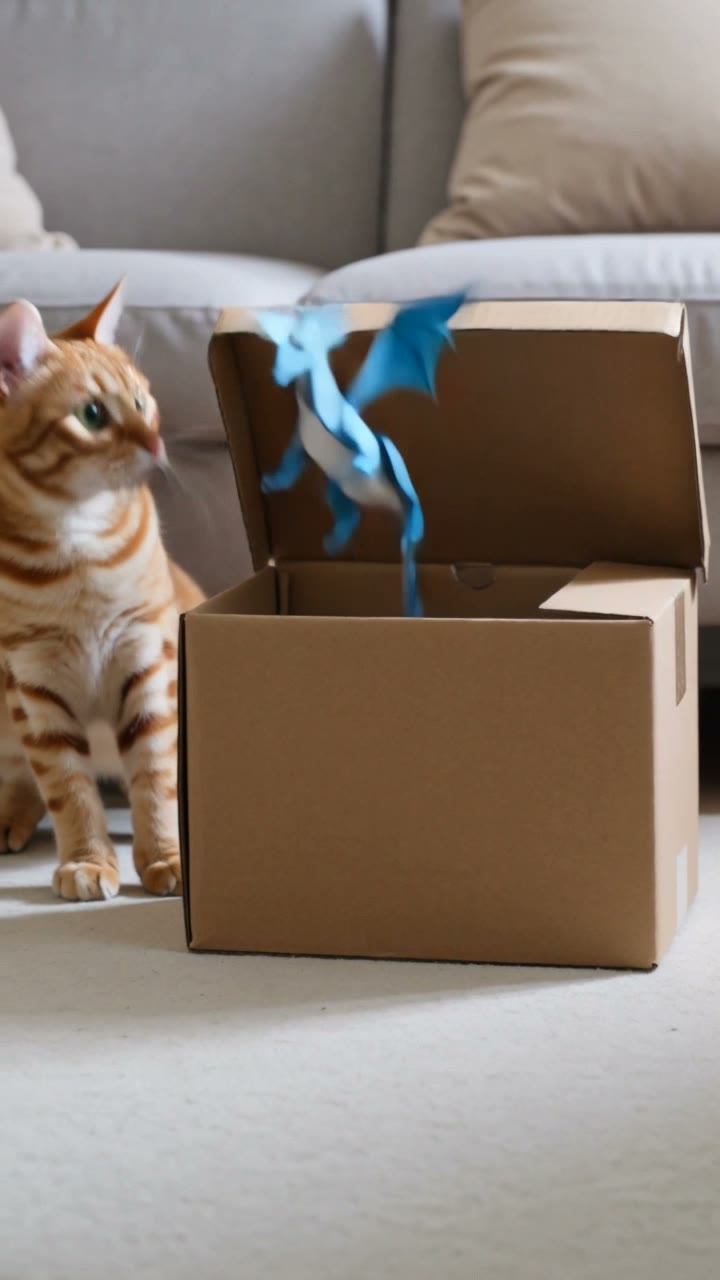
POV: the box moved.
Actual output · 10s · 9:16 · sound
Reaction micro-story
A cat meets a paper dragon
The box twitches in the first beat, the surprise escalates, and the final pose resets the loop.
Use Blinkvid's AI short video generator to turn one image or prompt into a focused 10-second, 9:16 clip for TikTok, Instagram Reels, or YouTube Shorts.
Enter adds a new line. Press Command or Control plus Enter to generate when the setup is ready.
This run
20 credits
Sign in to check your exact balance.
Eligible new Google sign-ups may receive 8 starter credits after sign-in.
Credits are held while the video is processing, charged after the completed video is safely stored, and returned after a confirmed failure.
These 10-second vertical shorts were generated for Blinkvid after studying current high-performing short-video structures. Reuse the setup, then make the subject and payoff your own.
The box twitches in the first beat, the surprise escalates, and the final pose resets the loop.
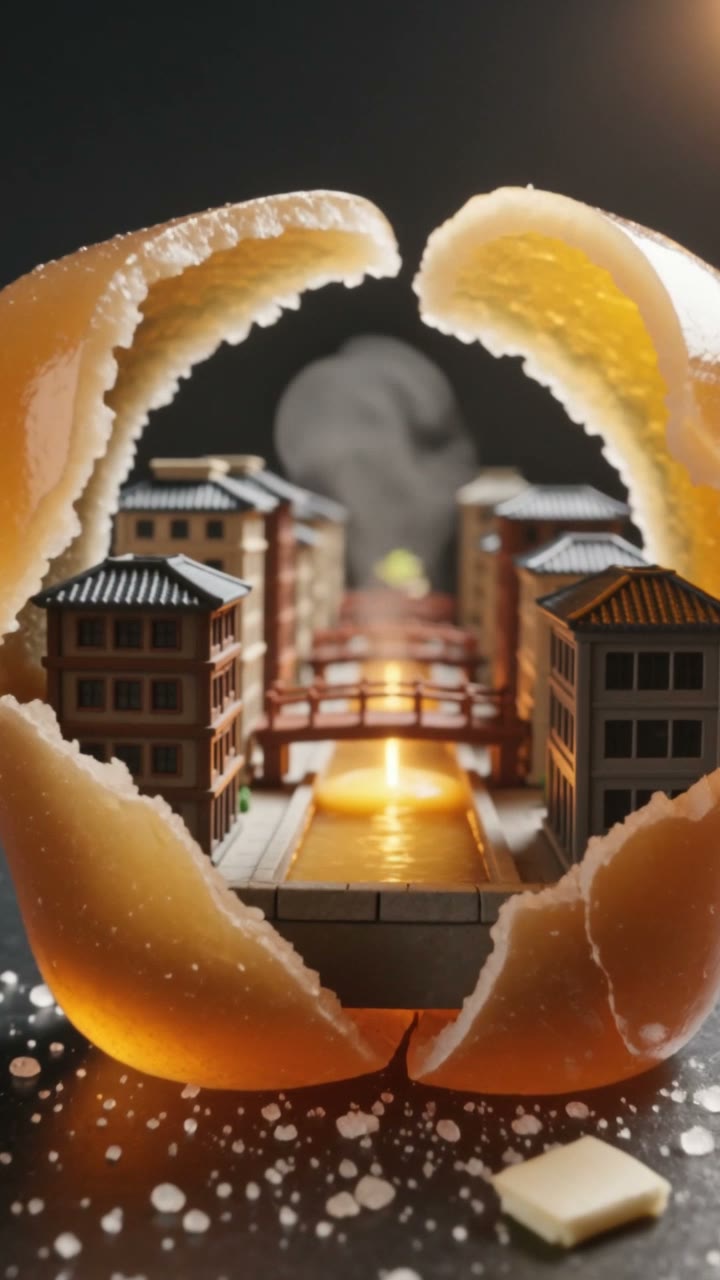
An immediate tactile crack opens into an impossible miniature world, then folds shut for a replayable ending.
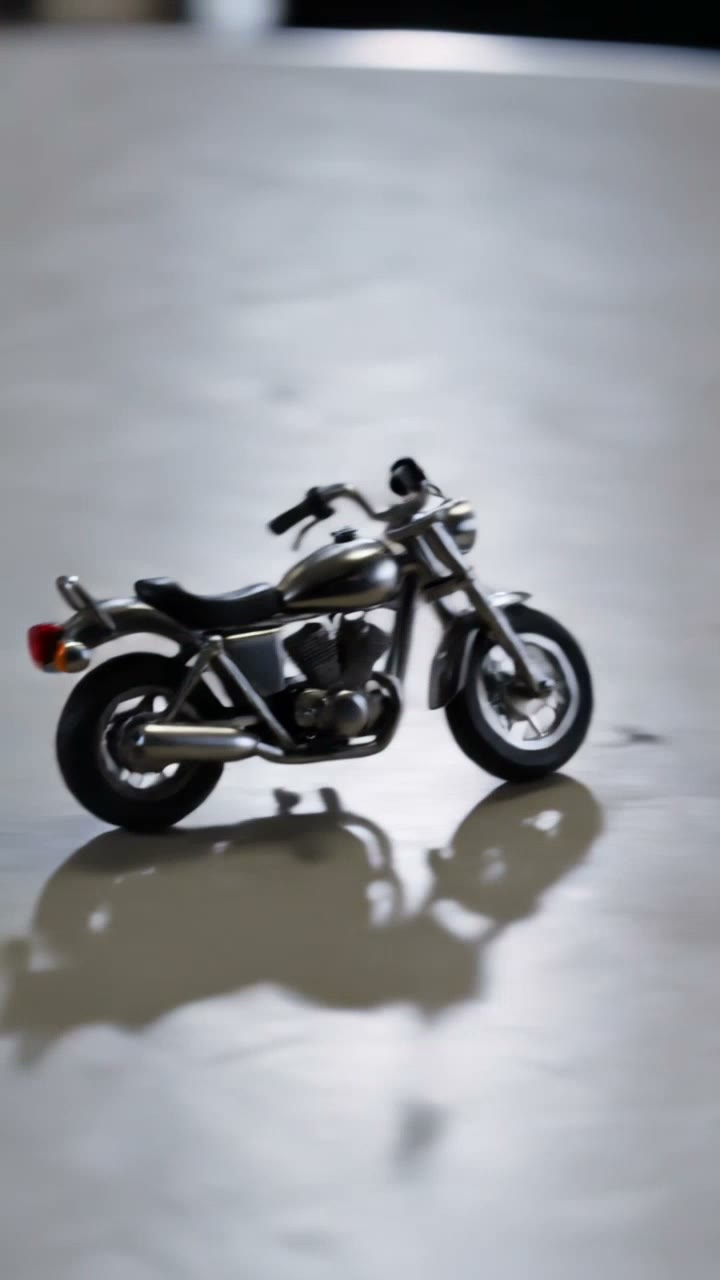
A familiar object transforms on the first beat, performs one satisfying move, and snaps back to the opening frame.
What to make next
Choose a proven favorite for an easy first video, or try a newer format while it is still moving through social feeds.
Reliable formats people return to.
Current formats to try while the idea is fresh.
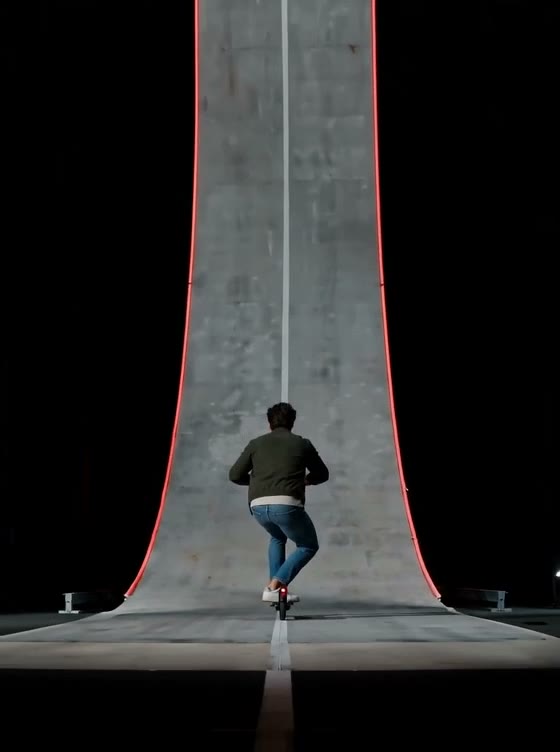
One image · 15 seconds · 3:4
Put one subject into a 15-second ramp stunt.
Make this video
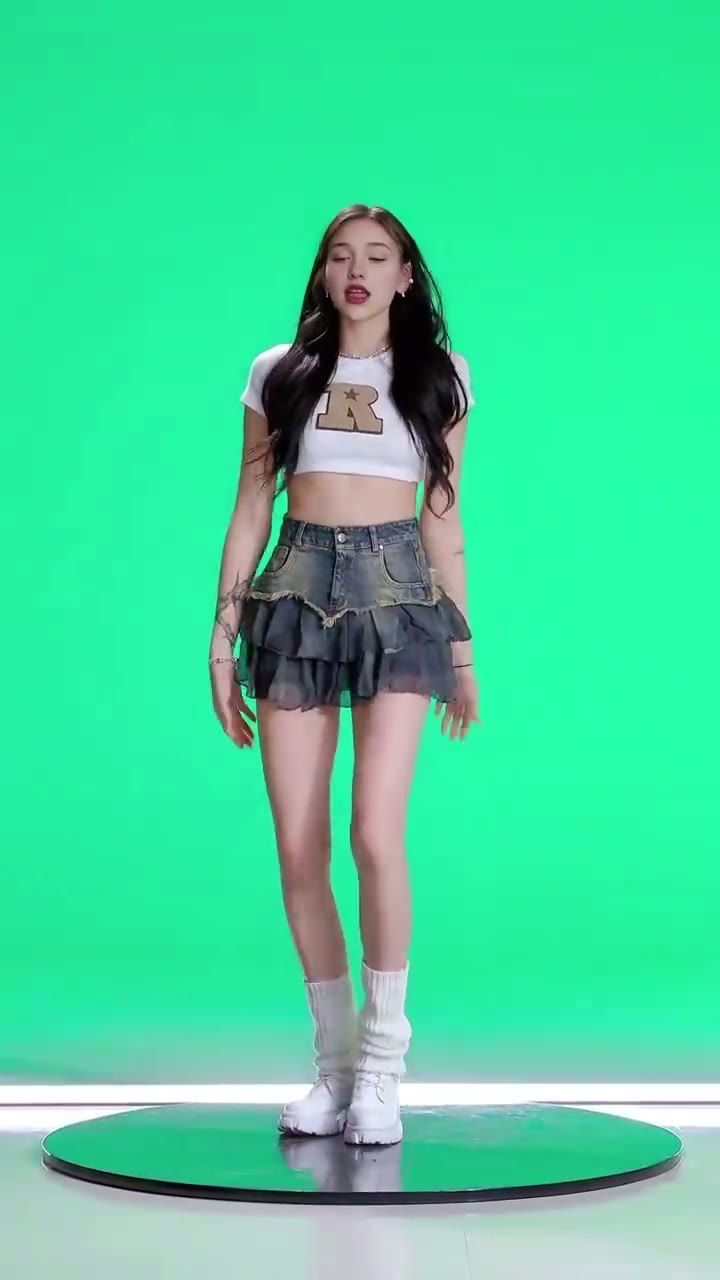
One image · 6 seconds · 9:16
Make a person, pet, or character the star of the performance.
Make this video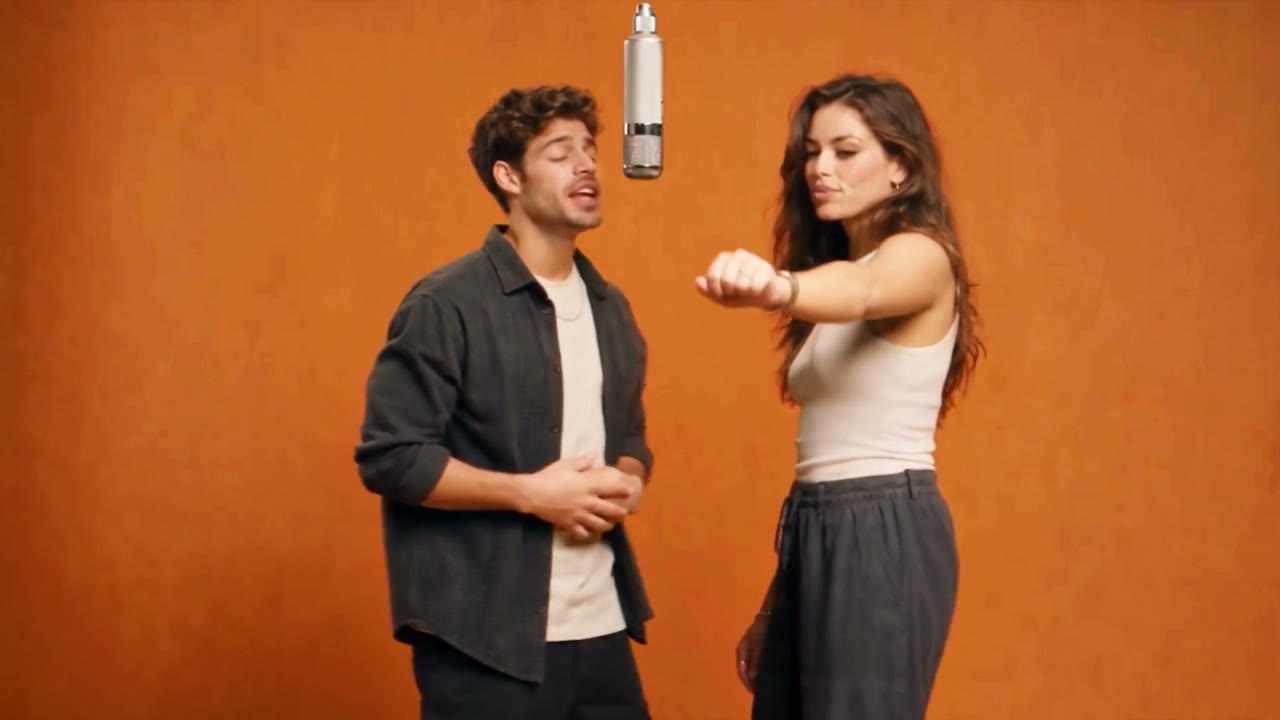
Two photos · 6 seconds · 16:9
Put two adult portraits into an orange studio performance.
Make this videoPlatform formats
Choose where the clip will be used. Each path gives you matching examples, a useful starting idea, and the right framing.
Build a quick hook, visual reveal, loop, or creator-style product shot in a vertical frame.
Short hook · visual motion · 9:16Create a polished vertical motion asset from a photo, poster, product, pet, or original scene.
Aesthetic motion · photo animation · 9:16Generate a short visual scene or establishing clip to use inside your own edited Short.
Story beat · scene starter · 9:16Blinkvid supports original ideas and media you own or have permission from the depicted adults to transform. Do not use public-figure likenesses or create unauthorized, abusive, or deceptive identity edits.
Three decisions, then generate
Start with where the clip will be used, describe one clear motion, and review the finished result before making another version.
Choose TikTok, Reels, Shorts, or a safe entertainment motion so the canvas and prompt have a concrete job.
Destination first
Upload media you own, or write a compact scene. Describe what should move instead of stacking style words.
One clear input
Review the first clip at its real ratio and duration, then change one variable at a time for the next run.
Controlled iteration
The default is one 10-second 9:16 video at 480P using the lowest-cost available option. The exact cost appears before submission; choose a shorter clip or add credits when the balance is not enough.
Make a short videoPROMPT STARTERS
A useful short-video prompt names the subject, one camera move, one subject motion, and what must stay unchanged.
Open on a bold poster detail, reveal the full composition with one quick layer of paper motion, then return to the opening frame within the clip.
Locked camera, the ceramic cup unfolds into a tiny greenhouse, clean silhouette, no added text.
Subtle head tilt and ear movement, soft handheld push, preserve markings and background layout.
READY FOR ONE CONTROLLED RUN?
Start with a focused 10-second, 9:16 story beat. The exact live estimate appears before you submit; choose a shorter clip or add credits when the balance needs it.
Credits before commitment
Pay for the next version you choose
Eligible new Google sign-ups may receive 8 starter credits for one lowest-cost run. Email-only registrations and registrations from India are excluded.
Mini Video Pack
About 10 Seedance 2 Mini · default clip runs
About 5 MiniMax H3 · default clip runs
About 3 Seedance 2 Fast · default clip runs
Starter Pack
About 13 Seedance 2 Mini · default clip runs
About 6 MiniMax H3 · default clip runs
About 4 Seedance 2 Fast · default clip runs
Standard Pack
About 45 Seedance 2 Mini · default clip runs
About 22 MiniMax H3 · default clip runs
About 15 Seedance 2 Fast · default clip runs
Pro Pack
About 135 Seedance 2 Mini · default clip runs
About 67 MiniMax H3 · default clip runs
About 45 Seedance 2 Fast · default clip runs
Short-form generation, credits, rights, and safety
Still have questions? Contact us atsupport@blinkvid.net
 Blinkvid