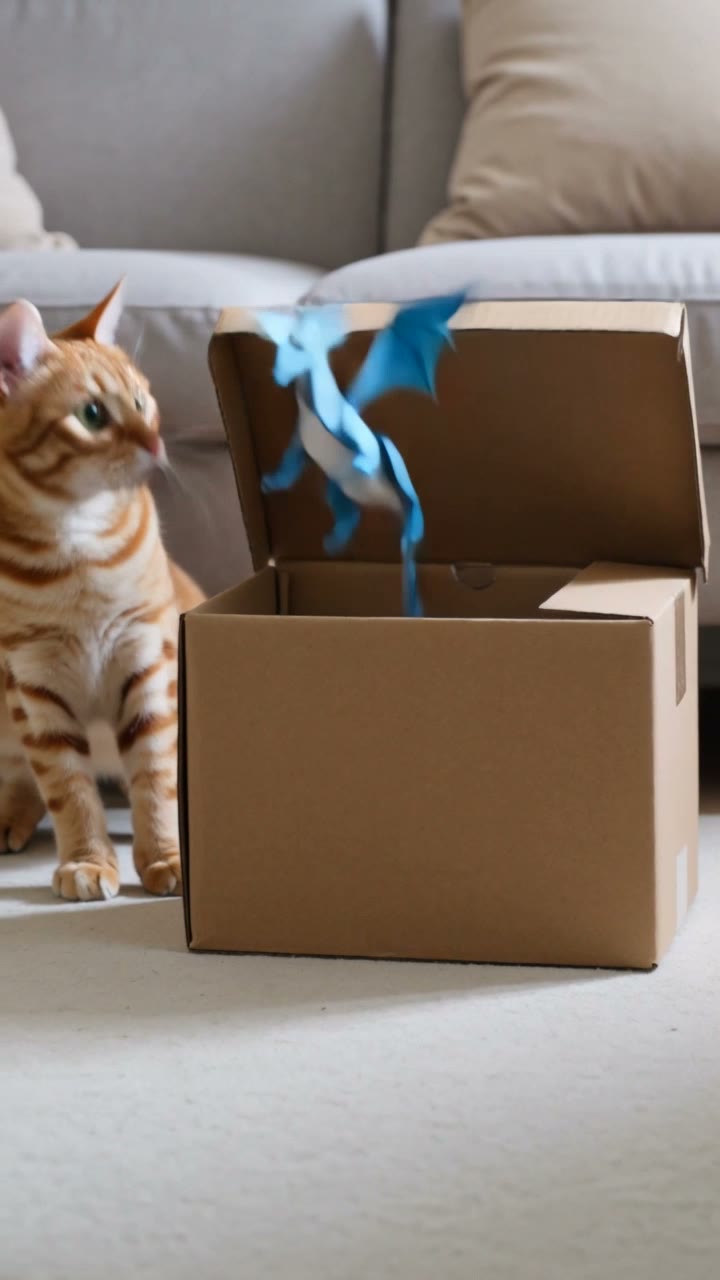
POV: the box moved.
Actual output · 10s · 9:16 · sound
Reaction micro-story
A cat meets a paper dragon
A cat taps a moving box and chases the tiny paper dragon that jumps out.
Blinkvid original
Upload · Describe motion · Generate
Enter adds a new line. Press Command or Control plus Enter to generate when the setup is ready.
See how three simple ideas turn into 10-second vertical shorts. Start with one of these setups, then swap in your own subject and ending.
A cat taps a moving box and chases the tiny paper dragon that jumps out.

A candy shell opens to reveal a miniature ramen city, then closes again.
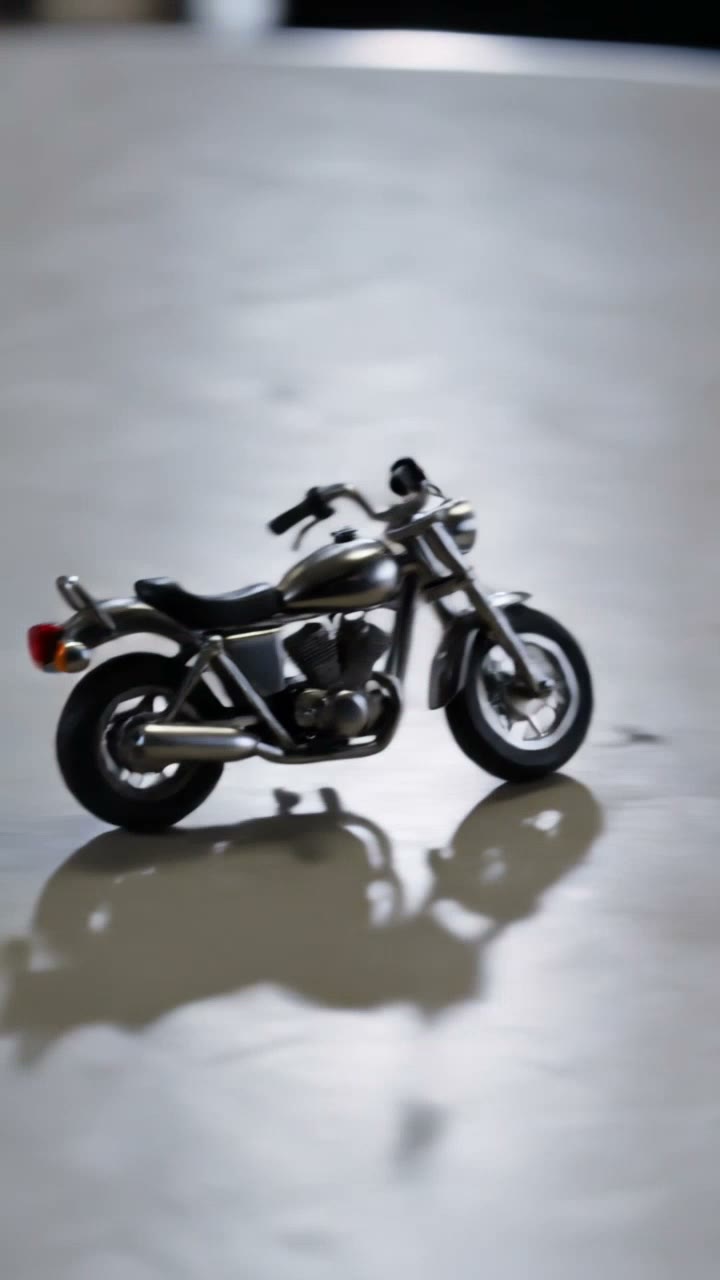
A paperclip unfolds into a tiny motorcycle, circles a coffee stain, and folds back up.
What to make next
Compare the input, length, and shape of each video, then pick the one that fits your idea.
Simple inputs and a clear result.
New formats in the Blinkvid library.
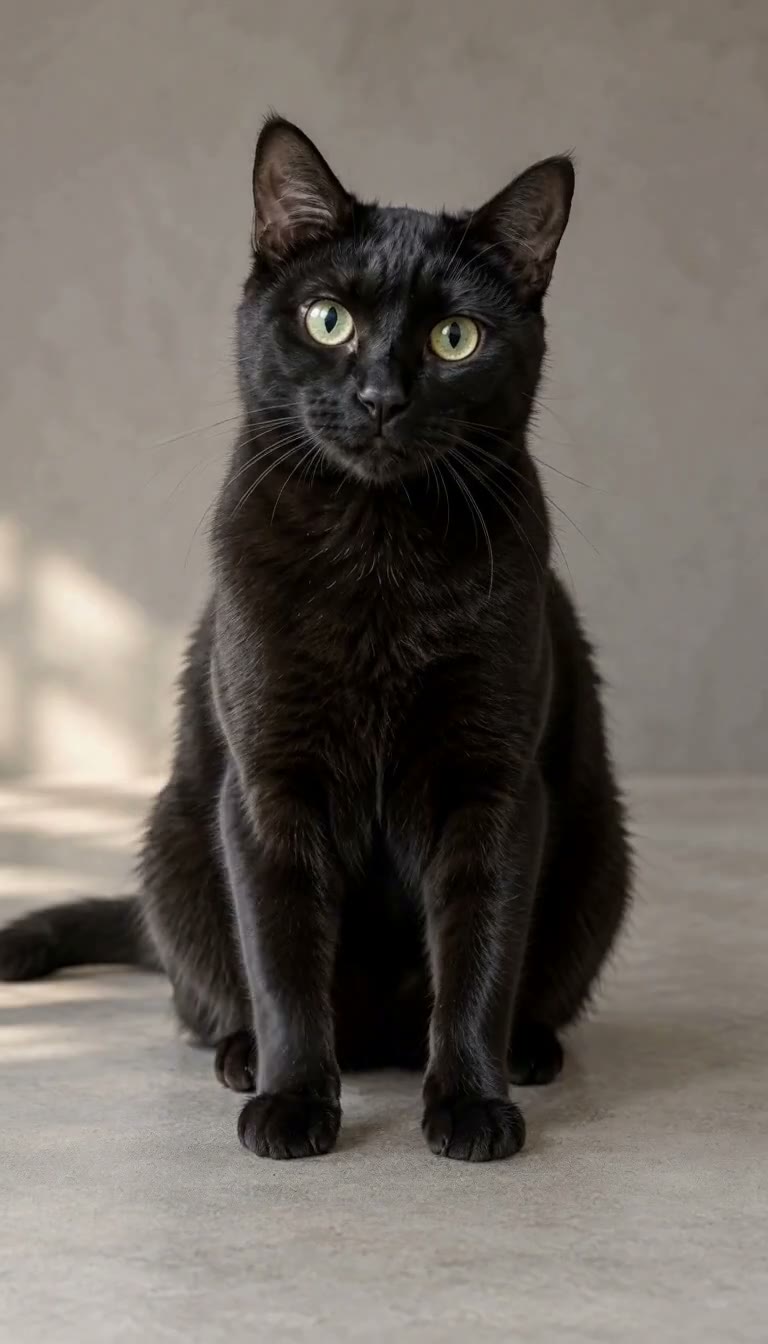
One cat photo · 6 seconds · 9:16
Turn one cat photo into a deadpan clapping reaction.
Make this video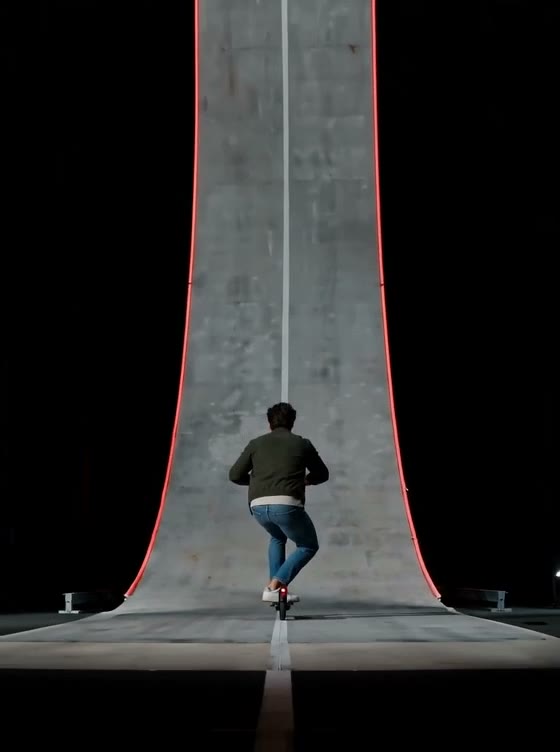
One image · 15 seconds · 3:4
Put one eligible non-human or stylized subject into a 15-second ramp stunt.
Make this video
One image · 6 seconds · 9:16
Make an eligible pet, object, or stylized fictional character the star of the performance.
Make this videoPlatform formats
Choose where the clip will be used. Each path gives you matching examples, a useful starting idea, and the right framing.
Build a quick hook, visual reveal, loop, or creator-style product shot in a vertical frame.
Short hook · visual motion · 9:16Animate a photo, poster, product image, pet, or original scene in a vertical frame.
Aesthetic motion · photo animation · 9:16Generate a short visual scene or establishing clip to use inside your own edited Short.
Story beat · scene starter · 9:16Three decisions, then generate
Start with where the clip will be used, describe one clear motion, and review the finished result before making another version.
Choose where you want to share the clip, or start with a simple motion idea.
Destination first
Upload media you own, or write a short scene.
One clear input
Watch the finished clip, download it, and choose what to change if you want another version.
Review your clip
The homepage quick starter is one 4-second, 9:16 video at 480P for 8 credits. Other workspaces open with different settings, and every setup shows its exact cost before submission.
Make a short videoGeneration credits
Choose credits for your next videos
Eligible new Google sign-ups may receive 8 starter credits for one lowest-cost run. Email-only registrations and registrations from India are excluded.
Different setup, different cost
The homepage starter makes one 4-second, 9:16 video at 480P for 8 credits. Other creation pages start with different settings. The number of videos your credits cover depends on the setup you choose.
Mini Video Pack
The exact credit cost appears with your selected setup before generation.
Waffo shows any applicable tax and the total before payment · charged once · does not auto-renew
Starter Pack
The exact credit cost appears with your selected setup before generation.
Waffo shows any applicable tax and the total before payment · charged once · does not auto-renew
Standard Pack
The exact credit cost appears with your selected setup before generation.
Waffo shows any applicable tax and the total before payment · charged once · does not auto-renew
Pro Pack
The exact credit cost appears with your selected setup before generation.
Waffo shows any applicable tax and the total before payment · charged once · does not auto-renew
Short-form generation, credits, rights, and safety
Still have questions? Contact us atsupport@blinkvid.net

 Blinkvid